Key Ring
Your secrets, found.
A native macOS vault that scans your machine for every API key and keeps them one search away. Local-only. Touch ID protected.
Download for macOS
A native macOS vault that scans your machine for every API key and keeps them one search away. Local-only. Touch ID protected.
Download for macOS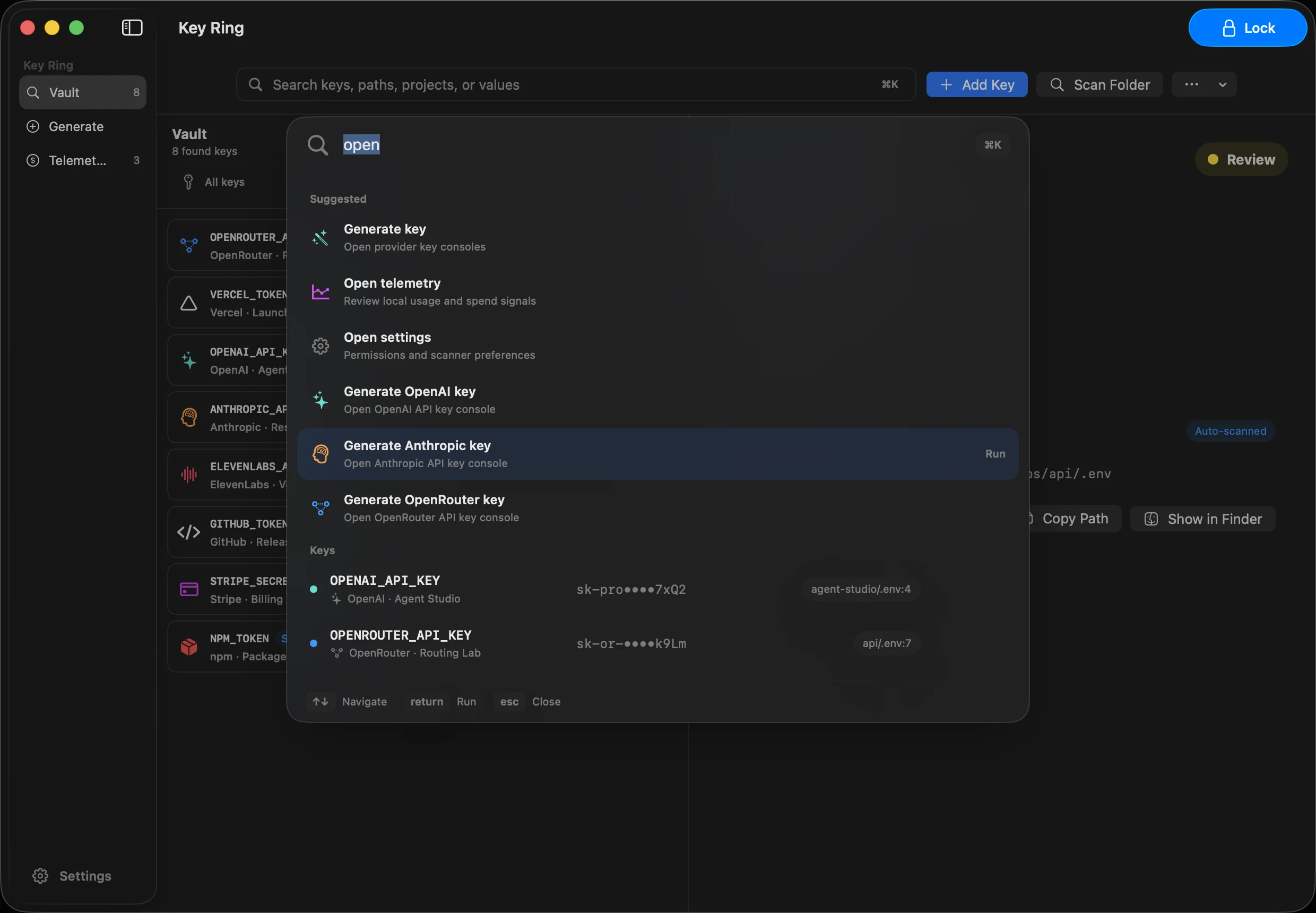
Every tool, agent, and service wants an API key. But there's no single place to find them, track what they cost, or generate new ones without a scavenger hunt.
Local, staging, production — every environment has its own secrets. Dozens of .env files across dozens of repos. No single view of what you have.
Which keys are burning budget? Which ones expired? You only find out when something breaks or the bill arrives.
Every provider buries their key generation page somewhere different. Find the dashboard, find the settings, find the API section, find the button. Every. Single. Time.
One project, three environments, five services each. That's 15 secrets to track before you've even shipped. It doesn't scale.
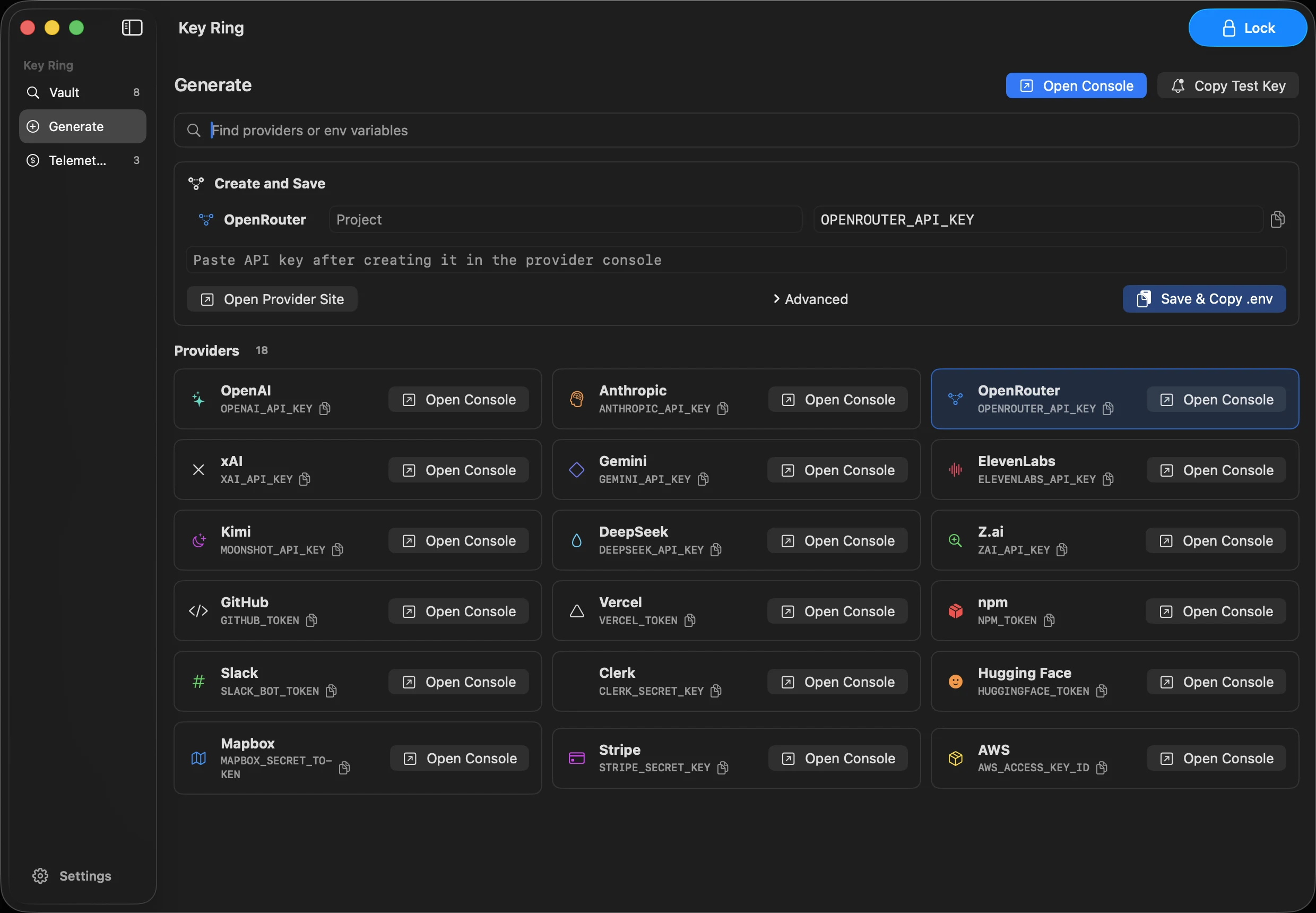
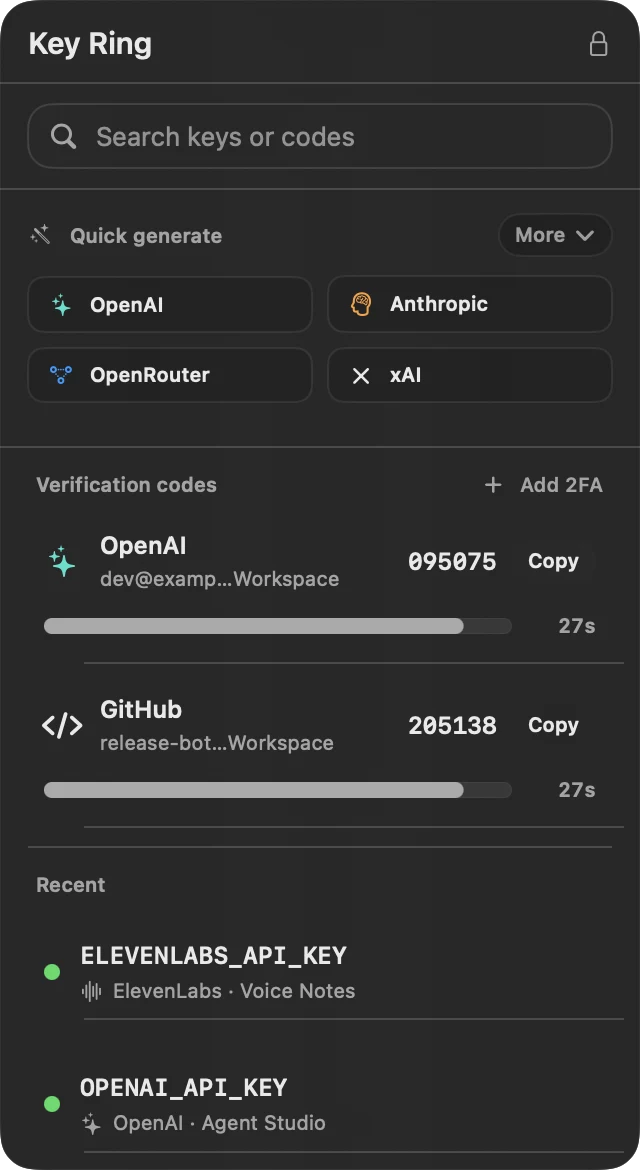
Need a fresh API key? Pick a provider and Key Ring opens the right page instantly. No hunting through dashboards, no bookmarks, no "where do I generate this again?"
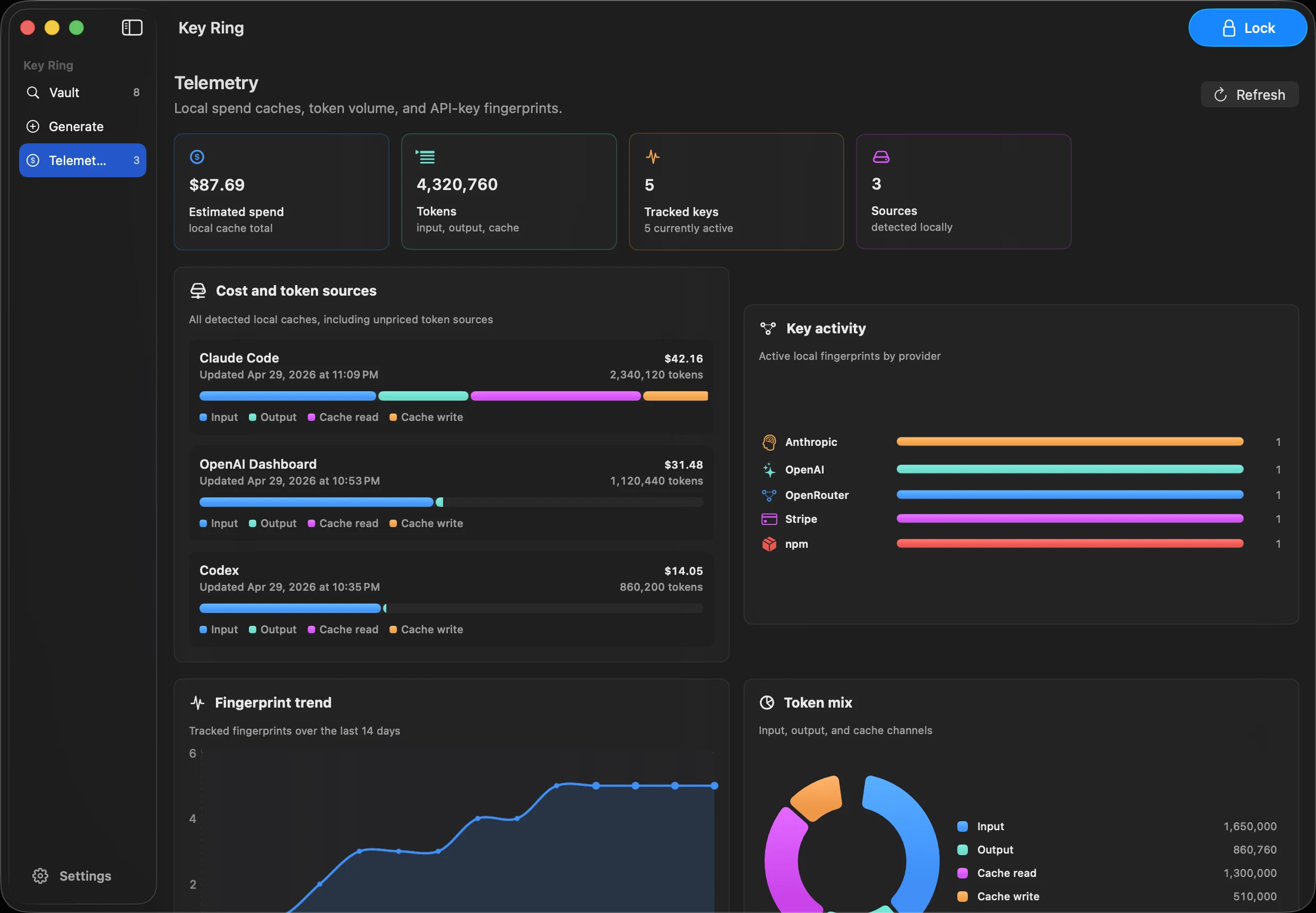
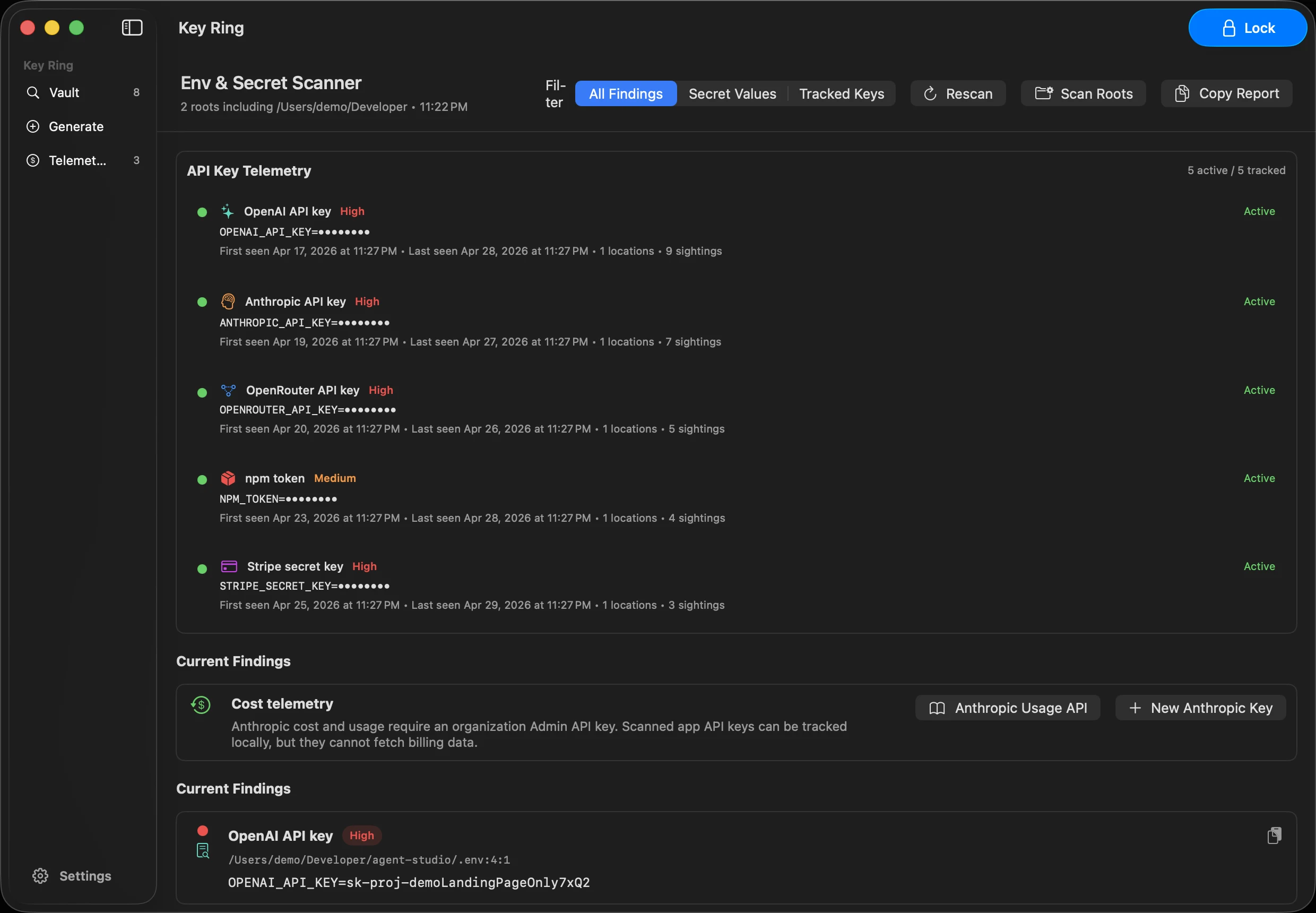
Track API usage and costs across providers. Key Ring reads local usage caches to surface spend without making a single network request. See which keys are burning budget from one view.
Raycast-style instant search across every project on your machine. Filter by provider, project, status, or tag, and search notes you add for each key. Find any key in under a second.
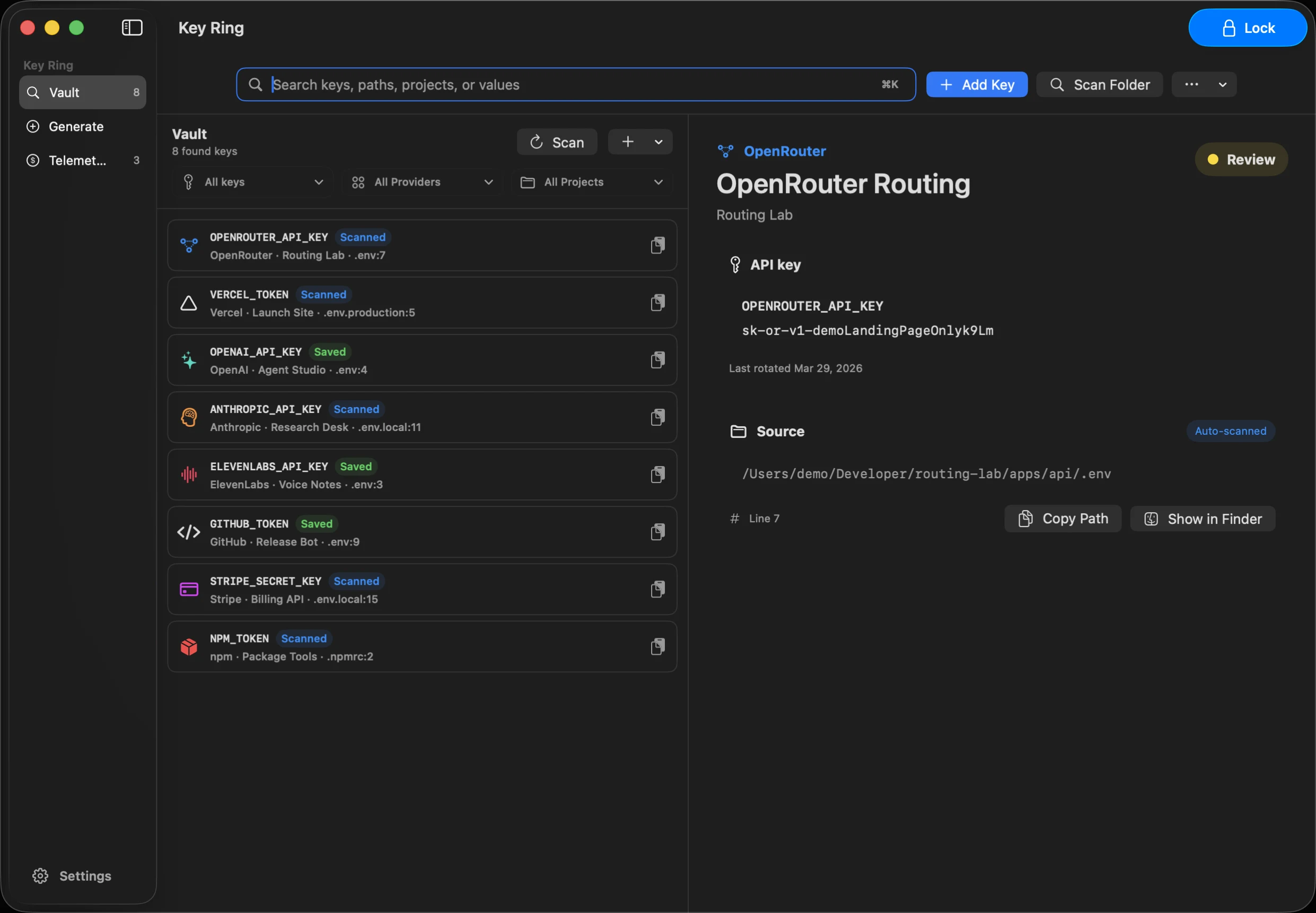
Key Ring auto-scans your workspace on launch using ripgrep. It detects API keys from 18 providers across every .env, config, and source file.
When a key changes, Key Ring can find matching local references and offer a redacted update review before touching files.
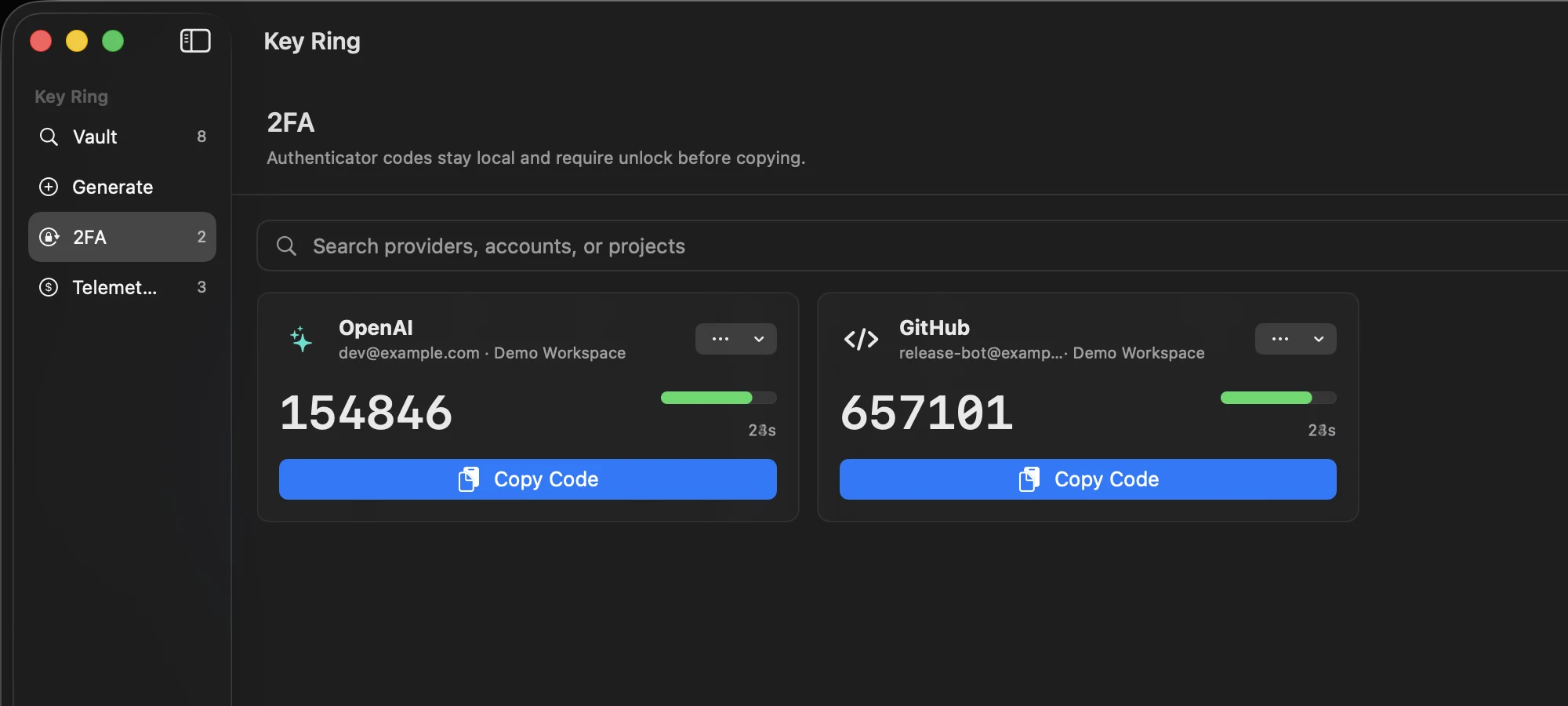
Import authenticator setup URLs, Base32 secrets, QR screenshots, uploaded images, Google Authenticator migration QR codes, and one-time recovery-code lists. Codes refresh locally and copy from the menu bar when you need them.
Every secret is locked behind biometric authentication. When you copy a key, it's cleared from your clipboard in 10 seconds. No window to leak.
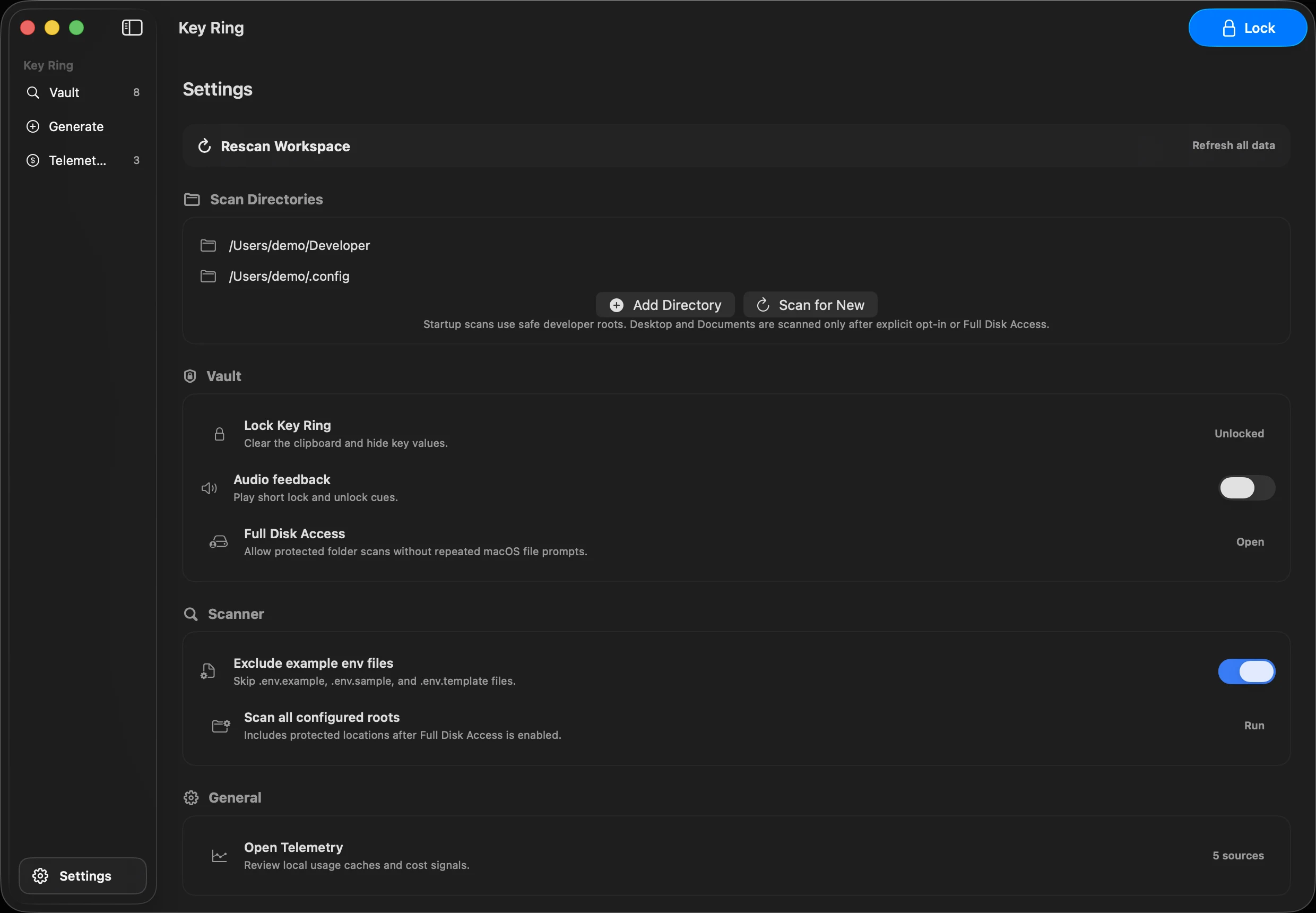
No cloud sync. No remote storage. No analytics. Key Ring runs entirely on your machine. Secrets and 2FA seeds stay in macOS Keychain with hardware-backed encryption.
Key Ring lives in your menu bar. Click the icon, search, copy, and grab 2FA or recovery codes without leaving the app you're working in.
 Key Ring
Auto-detects keys from 18 supported providers.


Free. Local-only. macOS 14+.
Download for macOS